> ## Documentation Index
> Fetch the complete documentation index at: https://auth0.generaltranslation.app/llms.txt
> Use this file to discover all available pages before exploring further.
# Manage Rules in Dashboard
> Learn how to manage Tenant ACL rules in the Auth0 Dashboard.
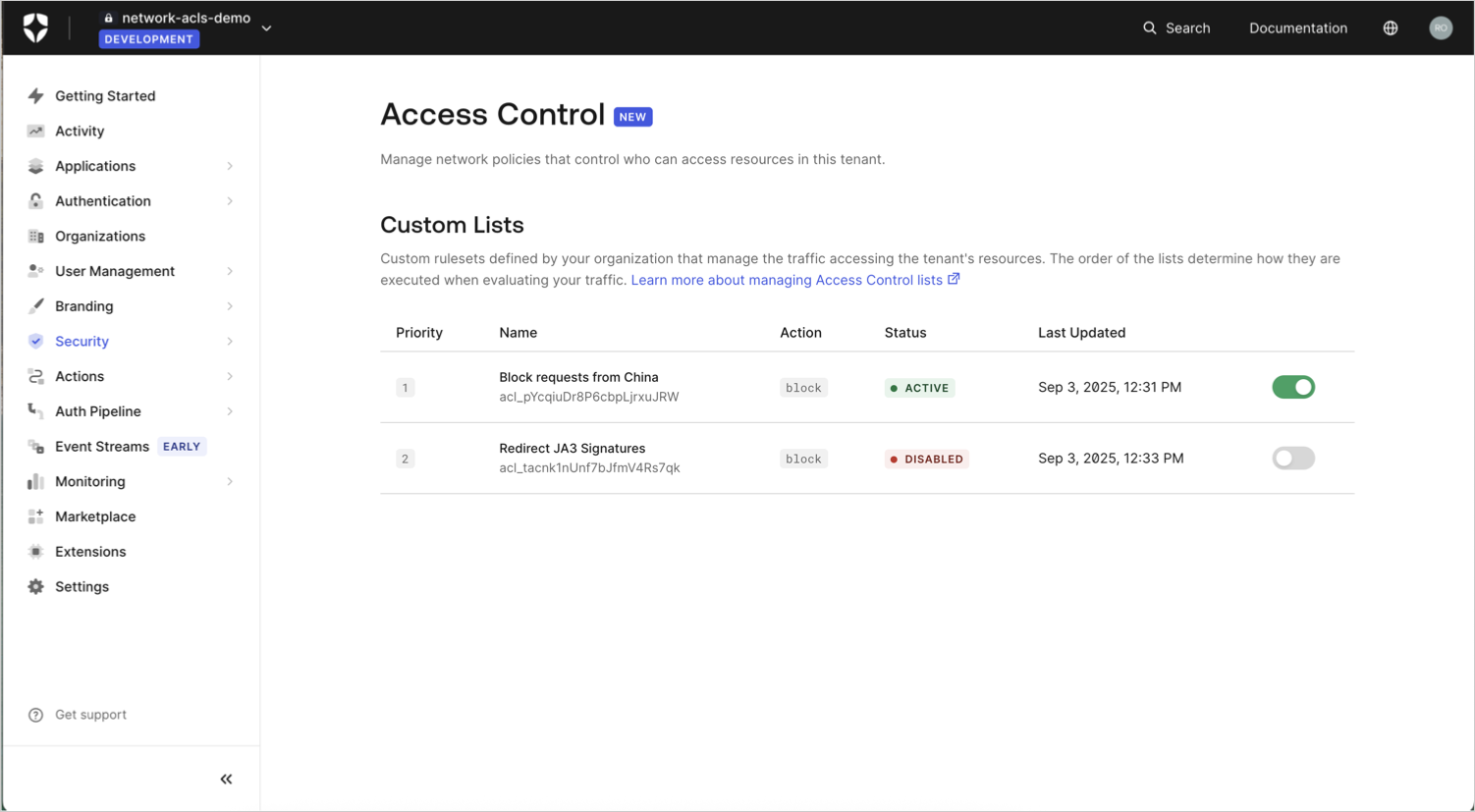
You can use the Auth0 Dashboard to view a list of your Tenant Access Control List (ACL) rules and toggle them individually.
## View list of rules
Go to [Dashboard > Security > Access Control](https://manage.auth0.com/#/security/access-control) to view a list of your existing rules.
| Column name | Description | Related API response field |
| ------------ | ----------------------------------------------------------------------------------------------- | -------------------------- |
| Priority | Ordinal number indicating when the rule is evaluated | `priority` |
| Name | Description of the rule's purpose or functionality | `description` |
| Action | The [action](/docs/secure/tenant-access-control-list/reference#actions) that the rule performs. | `action` |
| Status | Value indicating whether the rule is active or disabled. | `active` |
| Last Updated | Datetime stamp of when the rule was last updated. | `updated_at` |
 ## Enable or disable a rule
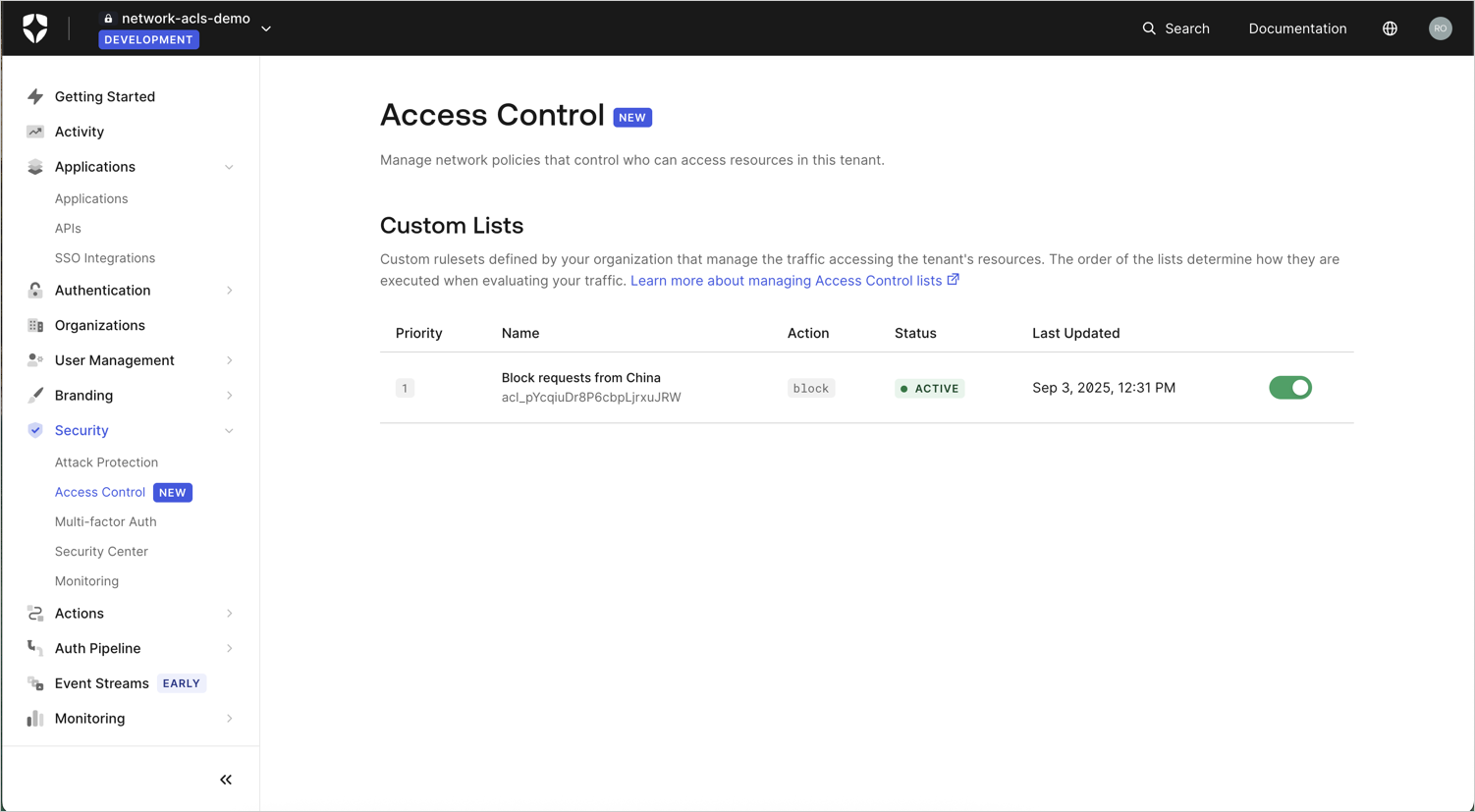
You can enable or disable a specific rule by toggling the button next to it.
The **Status** field shows the rule as `Active` or `Disabled` accordingly.
## Enable or disable a rule
You can enable or disable a specific rule by toggling the button next to it.
The **Status** field shows the rule as `Active` or `Disabled` accordingly.